
Upload your documents and send your print job to the library from home! When you come in to the library, simply stop at our Print Release Station right by the front door, enter your pin, and get your prints!
Pay online or in person. We can only accept cash or check in person.
Black and white prints: 15 cents each
Color prints: 30 cents each
Printing from a mobile device:
To print from your mobile device, choose any of the below options. After submitting your print, you will receive a 4 digit pin. When you arrive at the library, enter that pin at our Print Release Station to print your documents.
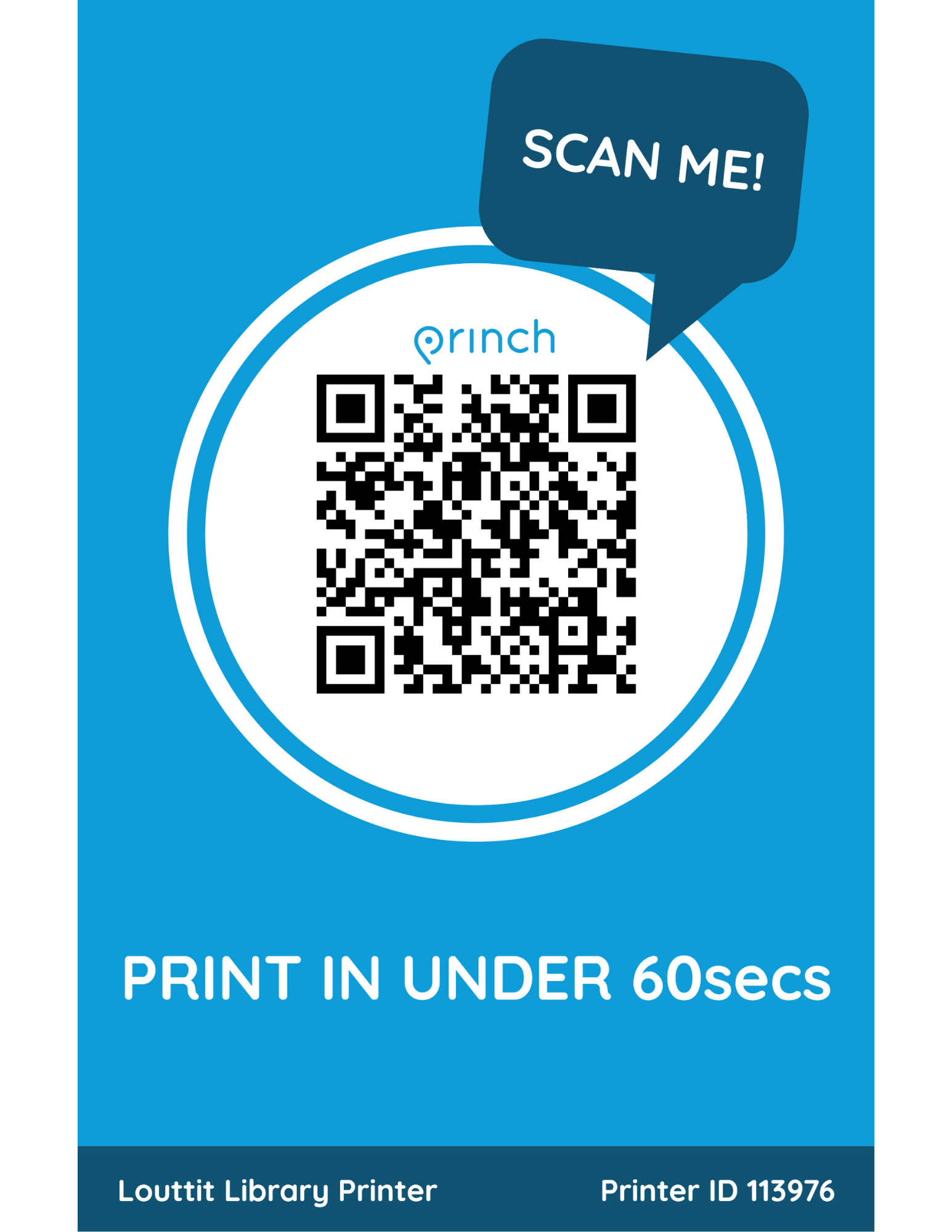
- Download the Princh app for IOS or Android. Scan the QR code or enter the printer ID: 113976 to connect to our printer.
- Scan the QR code or visit https://print.princh.com/ to upload your files online without downloading an app.
- Forward the email you would like to print to louttit@ewprints.com. This will print the full email and any attachments.
Printing from a laptop or computer:
To print from a laptop or computer, choose any of the below options. After submitting your print, you will receive a 4 digit pin. When you arrive at the library, enter that pin at our Print Release Station to print your documents.
- Visit https://print.princh.com/ and enter the printer ID: 113976 to connect to our printer.
- Forward the email you would like to print to louttit@ewprints.com. This will print the full email and any attachments.
Call 401-397-3434 or email info@louttitlibrary.org for assistance or stop by the library to print from our public computers.
 Sign up for our newsletter!